Editing a Cart Pro
Sometimes the quickest way to help a customer is to fix their cart for them: swap an out-of-stock item, correct a quantity, add the right accessory. With Pro you can do this from the cart's detail page. Cart editing needs Pro.
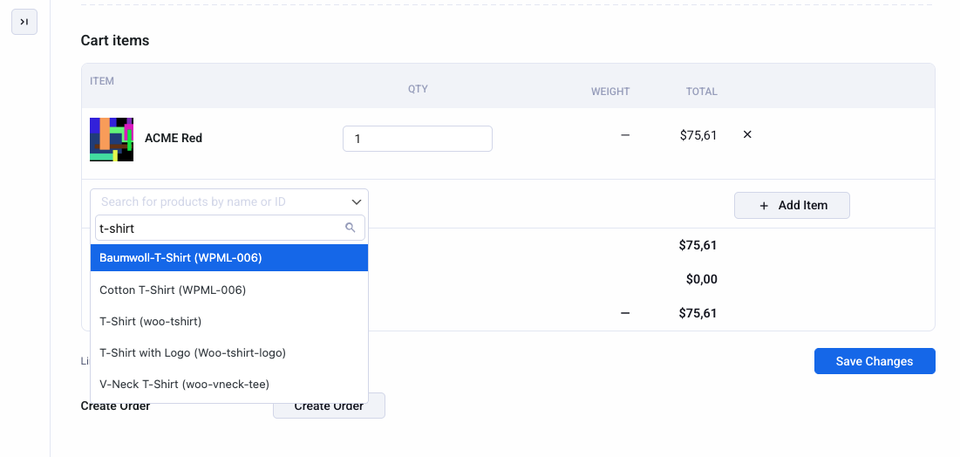
What you can do
- Change quantities directly in the products table.
- Remove items with the remove button.
- Add products by searching for them and adding them to the cart.
Save your changes to apply them. The customer sees the updated cart the next time they load a page.
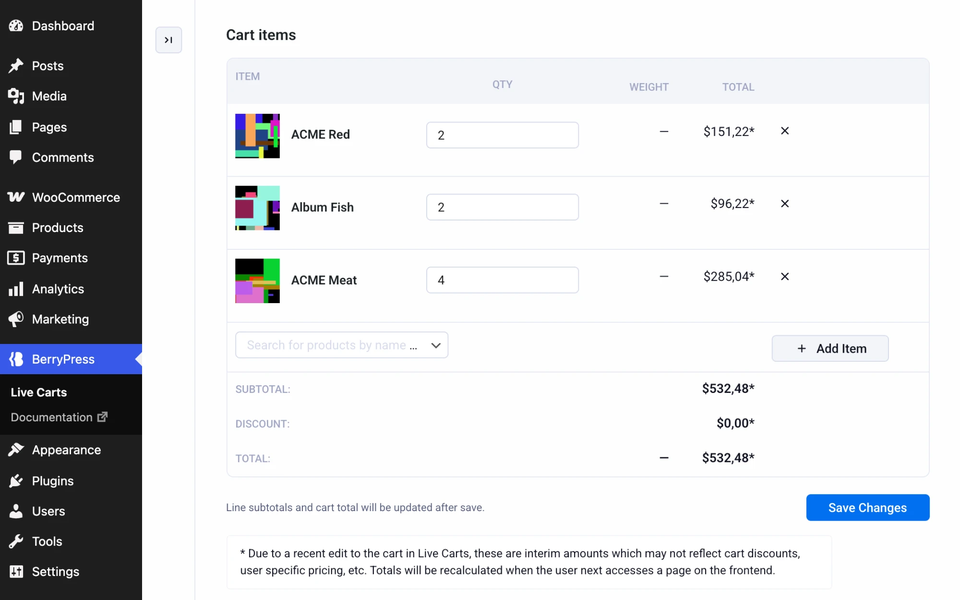
Totals may shift slightly
Plugins that affect prices (discounts, dynamic pricing, user-specific rules) can change the final total. The amounts shown in the admin right after saving are an interim calculation. The cart is recalculated when the customer next opens a page of your store.