Highlight and Share
- Plugin URL: WordPress.org Plugin Directory
- Support: WordPress.org Support Forum
- Author Website: BerryPress
Highlight and Share was originally created by Ronald Huereca (DLX Plugins / MediaRon). Since July 2026, the plugin is owned and maintained by BerryPress.
The goal of Highlight and Share is to provide an intuitive, lightweight, and extremely flexible way for users to see social sharing options when interacting with your site's content, images, or headlines.
How Highlight and Share Works
Text Selection
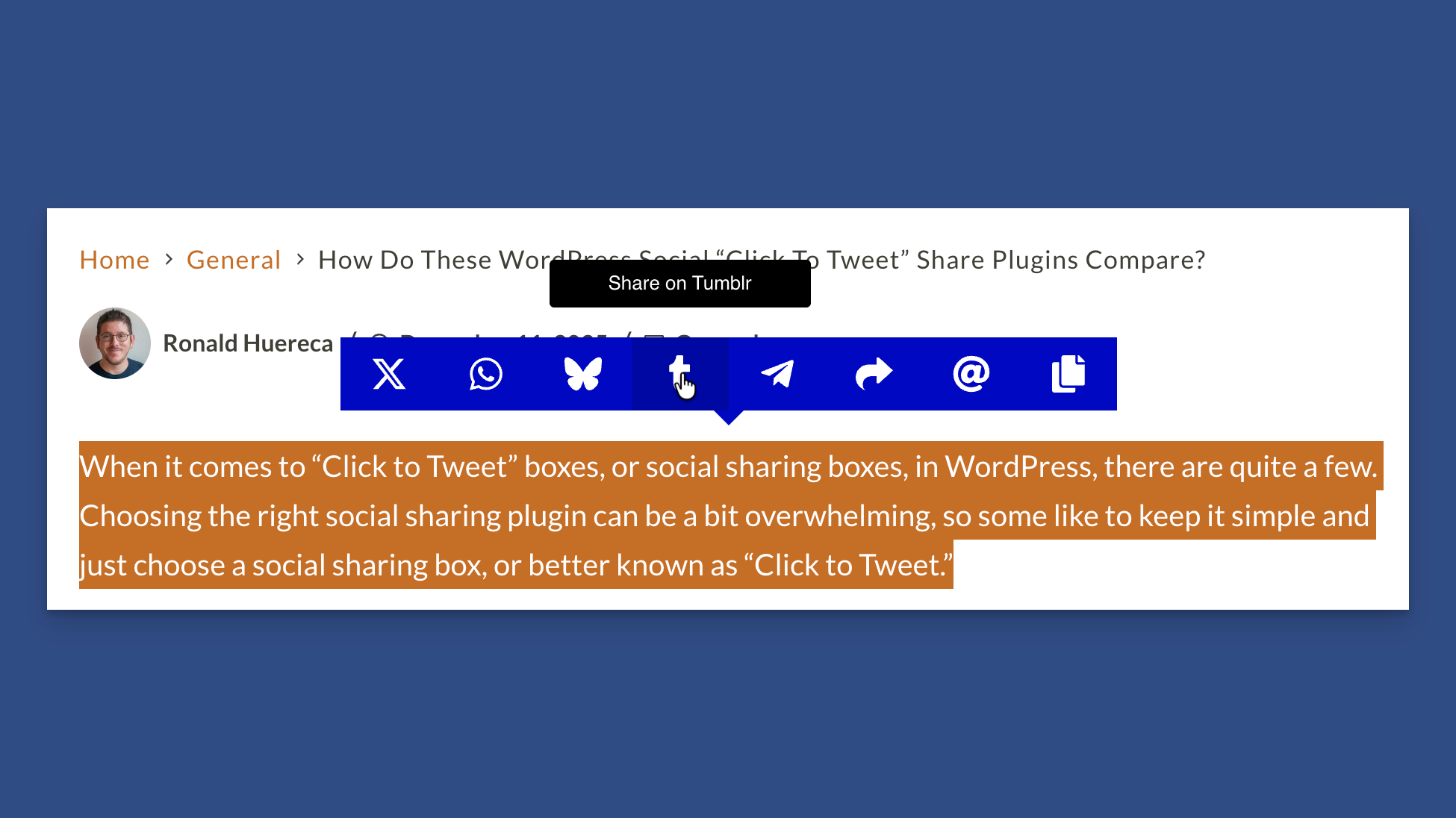
Text Selection With Highlight and Share
Highlight and Sharing displays a small pop-up when a reader highlights text on your site.
By default, this works on any post or page content. You can customize Highlight and Share to show anywhere using advanced selectors.
Inline Highlighting
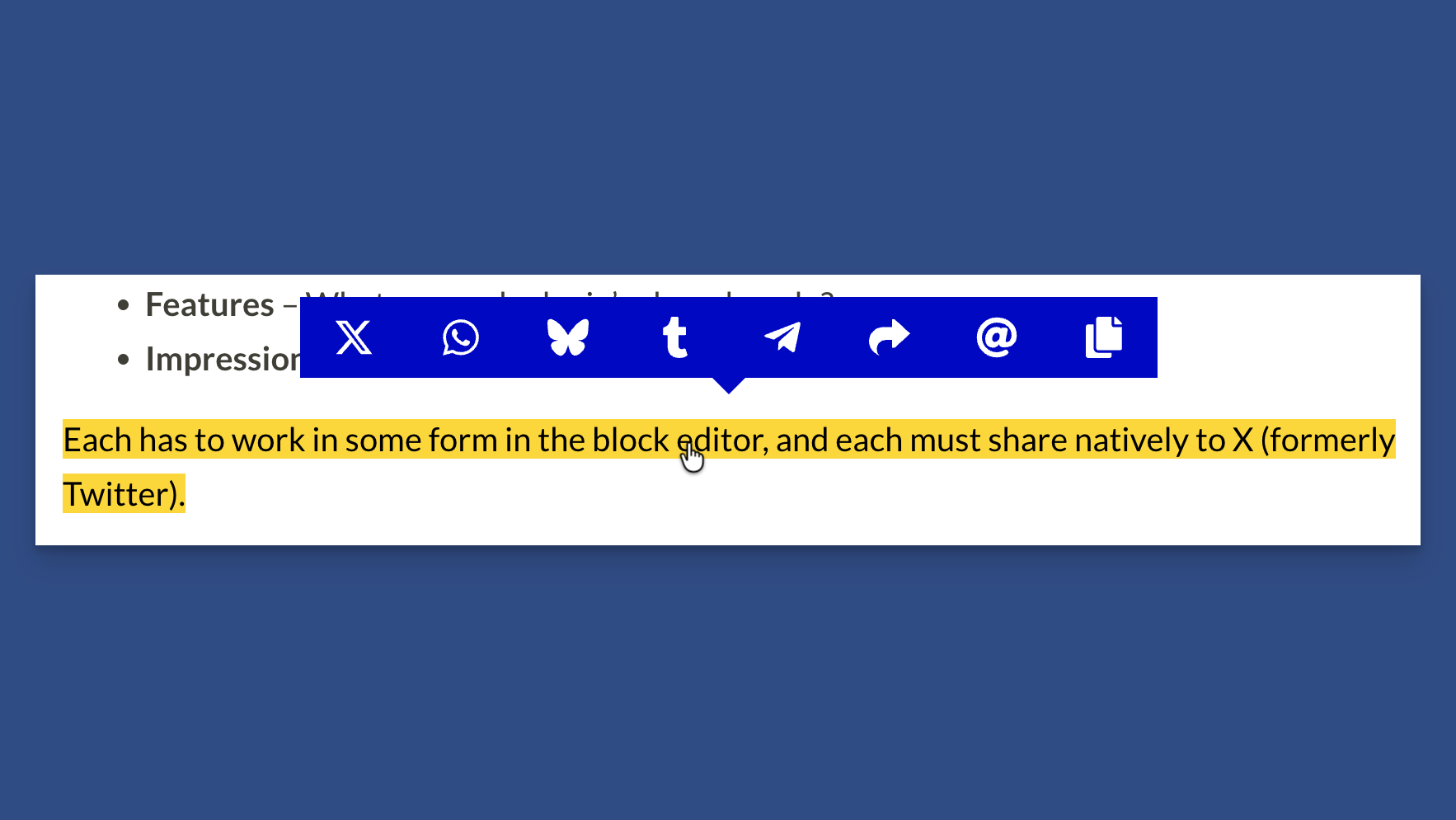
Inline Highlighting Shows Social Networks on Click
You can mark a selection of text as an inline highlight using the Block Editor format option, or wrap a selection with a CSS class has-inline-text.
Click to Share Block and Shortcode
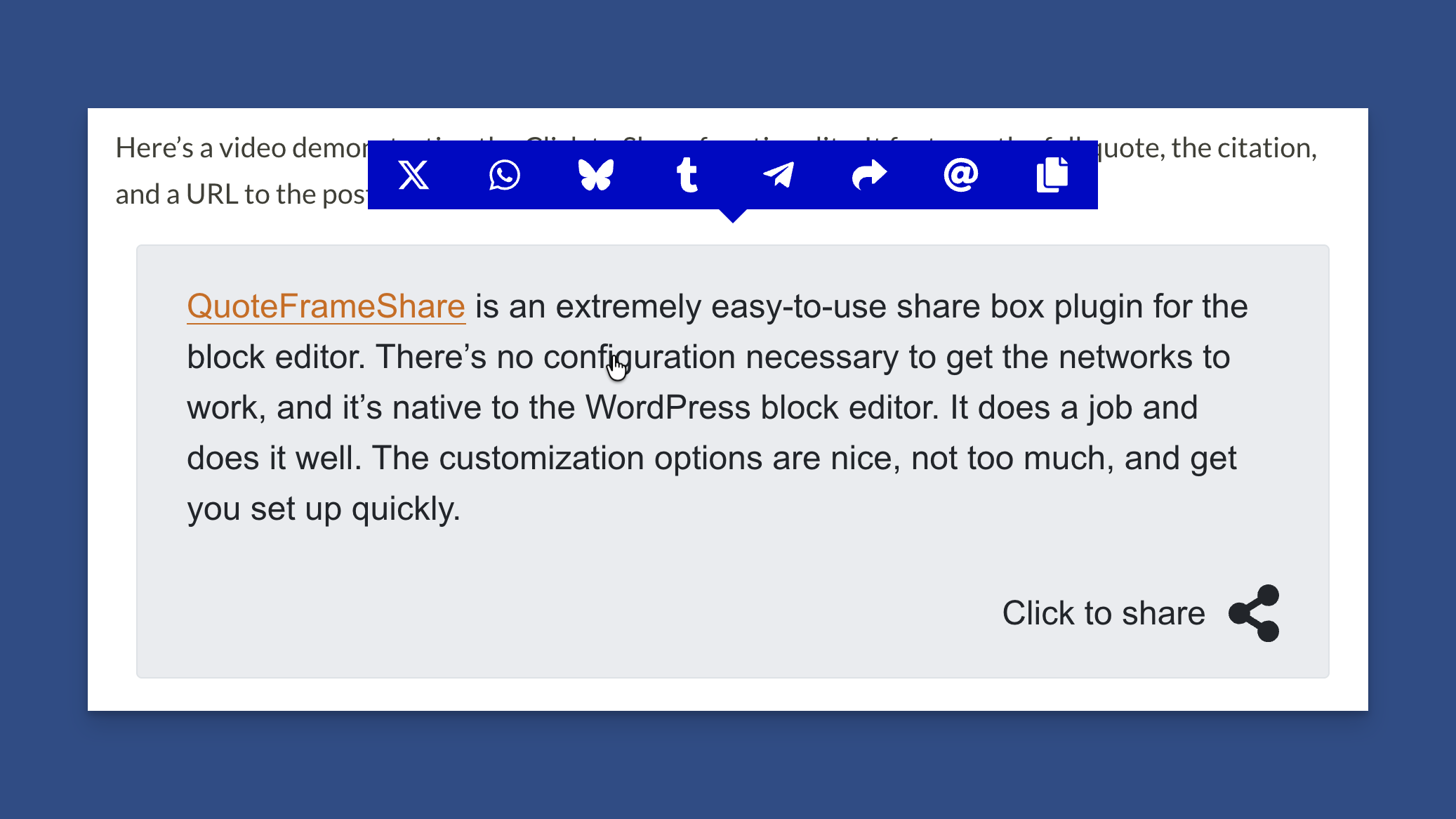
Click to Share Block/Shortcode to Show Social Networks
The Click to Share block and shortcode let you heavily customize a "Click to Share" box that readers can click to share.
Image Sharing
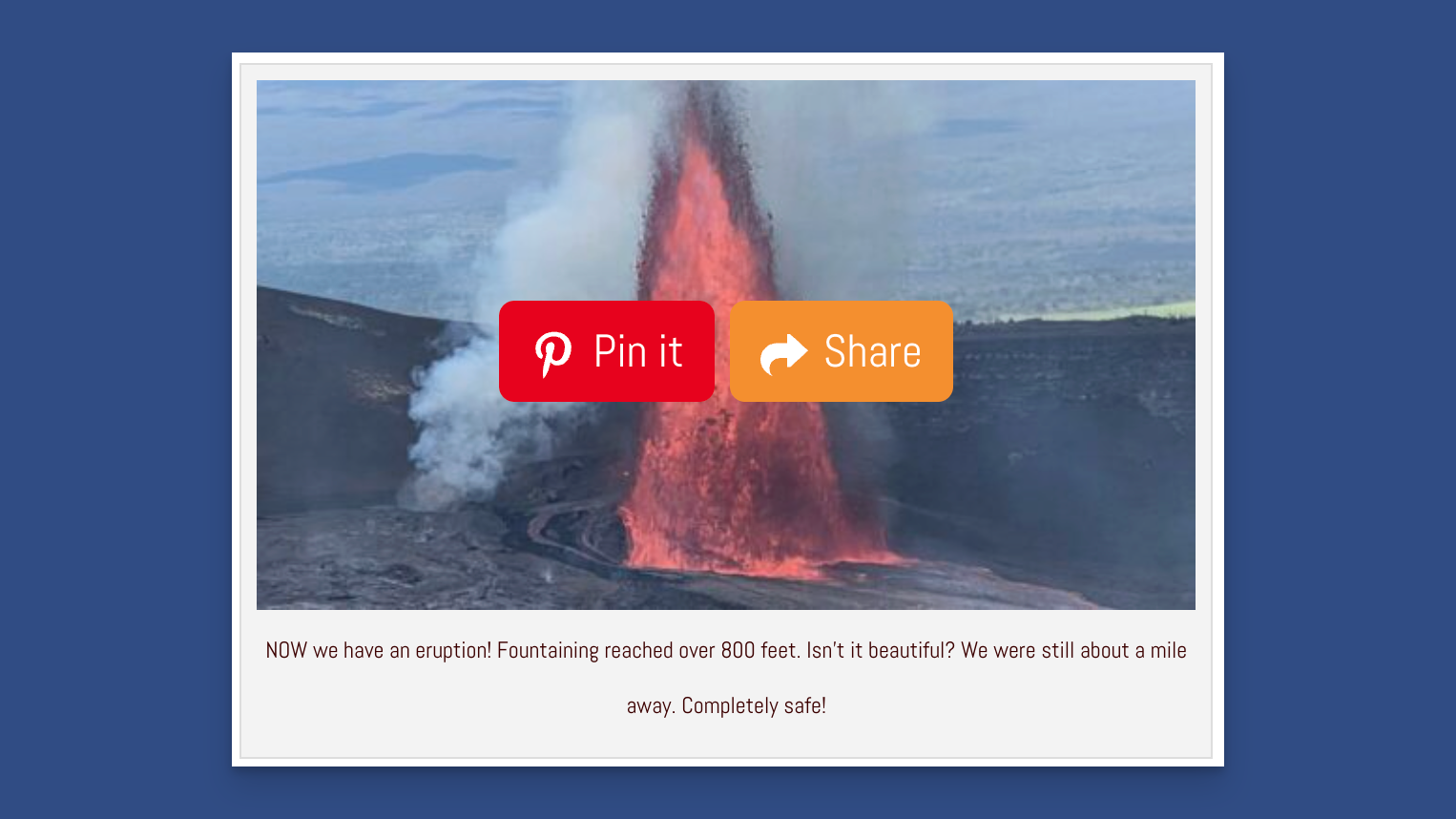
Share to Pinterest and Use the Web Share API
Share your images using Pinterest or the Web Share API.
Headline Sharing
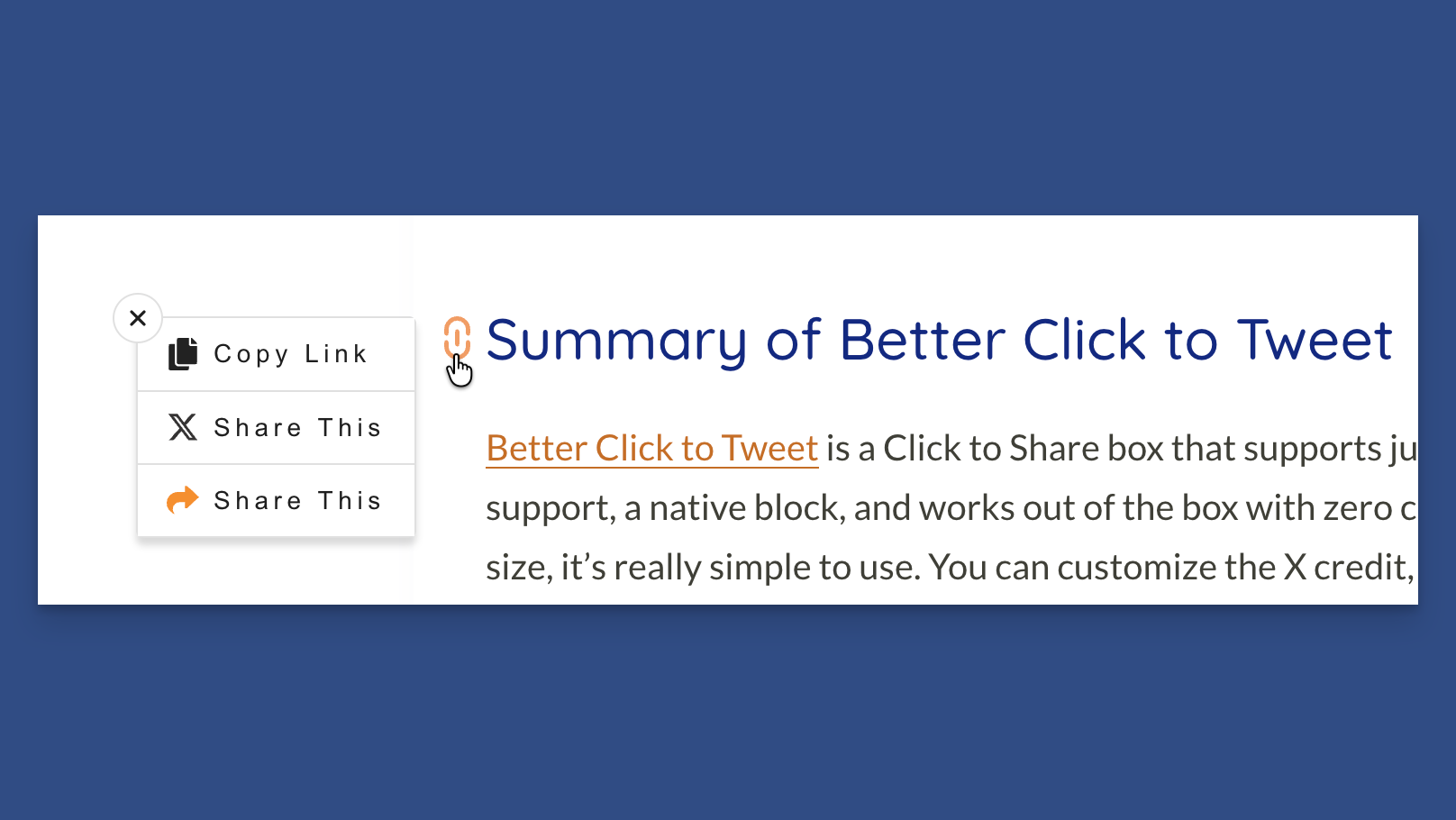
Headline Sharing Allows You to Share Headers
Headline sharing lets you share your headers, giving users quick access to copy the headline link and to share it across other social networks.
Highlight and Share is Free: Please visit Highlight and Share on the WordPress Plugin Directory.