Installing the Plugin
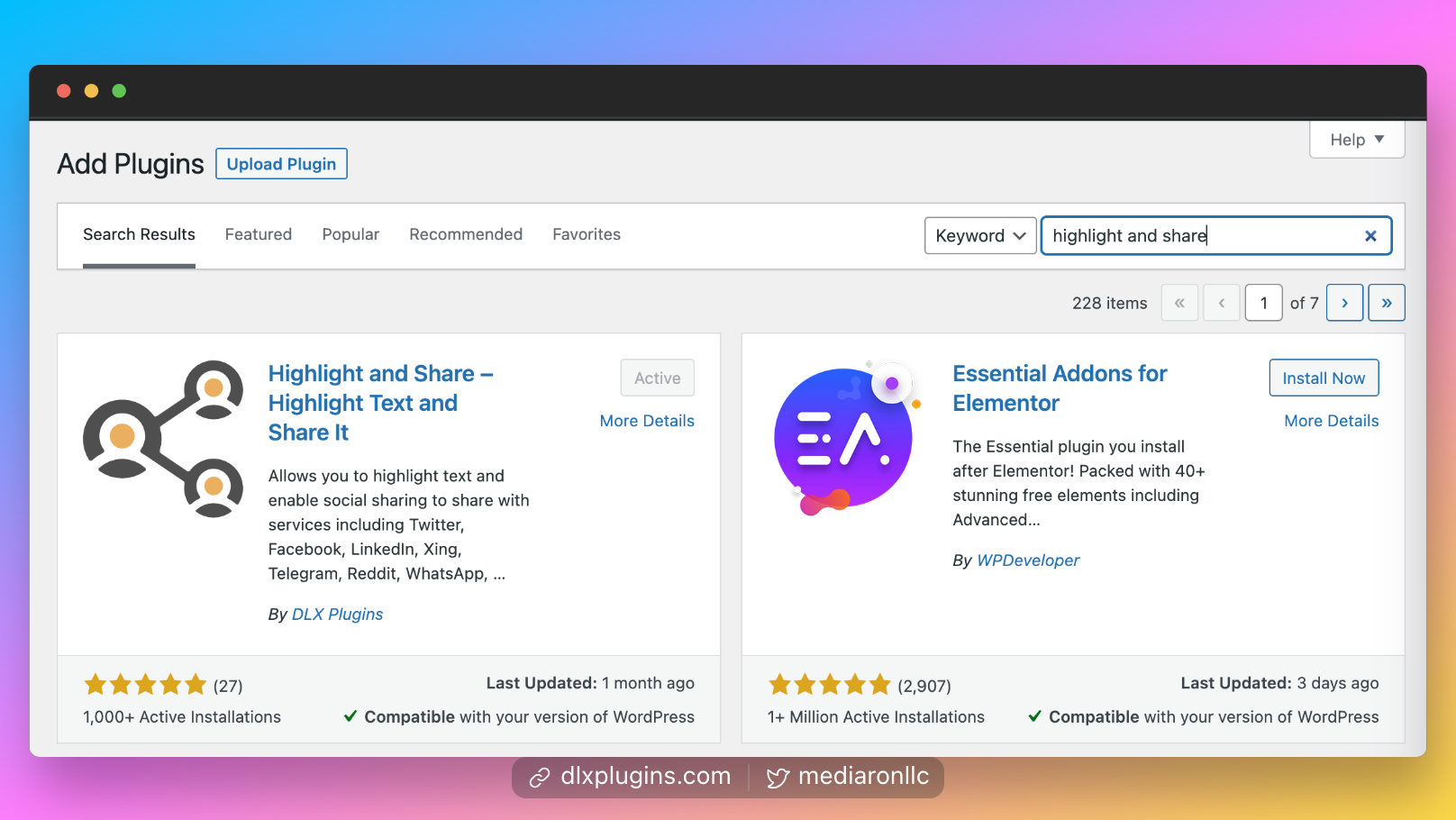
Installing Highlight and Share in the WordPress Admin
info
Highlight and Share is a free plugin: Please visit the plugin on the WordPress Plugin Directory
Install from the WordPress Admin
- Log into your WordPress admin (i.e., your dashboard)
- Go to Plugins->Add New
- Type in "Highlight and Share"
- Install and Activate the plugin
After activation, you can find the plugin's settings in the Dashboard under Settings->Highlight and Share.
Install via FTP
- Download the plugin zip file from the WordPress Plugin Directory
- Unzip the plugin zip in a place you can remember for the next steps
- Log into your FTP program of choice for your website
- Upload the unzipped folder into
wp-content/plugins - Log into your admin dashboard
- Head to the plugins screen
- Search for
Highlight and Share. - Activate the plugin
After activation, you will be taken to the plugin's settings screen.