Installing Live Carts
The free plugin lives on WordPress.org, so you install it like any other plugin. It is also the base for Pro: Live Carts Pro is an add-on that needs the free plugin to be active.
Before you start, WooCommerce must be installed and active. See requirements.
Install from the WordPress admin
- Go to Plugins → Add New Plugin.
- Search for Live Carts for WooCommerce (author: BerryPress).
- Click Install Now, then Activate.
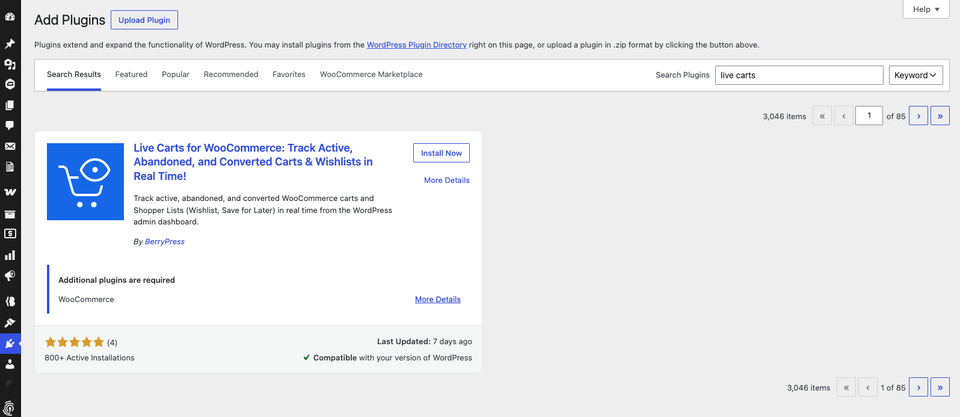
That's it. Live Carts starts tracking carts immediately, with no setup. You will find it under BerryPress → Live Carts in the admin menu.
Install from a ZIP file instead
- Download the plugin from WordPress.org.
- Go to Plugins → Add New Plugin → Upload Plugin.
- Choose the ZIP, click Install Now, then Activate.
You can also unzip it and upload the live-carts-for-woocommerce folder to wp-content/plugins/ over FTP/SFTP, then activate it on the Plugins screen.
What happens next
- Carts appear in BerryPress → Live Carts as soon as visitors add products to their cart.
- The list is empty until someone adds something. Add a product to your own cart in another browser to see it appear. (If you are logged in as an administrator, use a private window.)
Next: the Quick Start.