Cart Emails
Recovery emails can only go to carts that have an email address. Live Carts gets one in two ways:
- Logged-in customers. Their account email is saved on the cart.
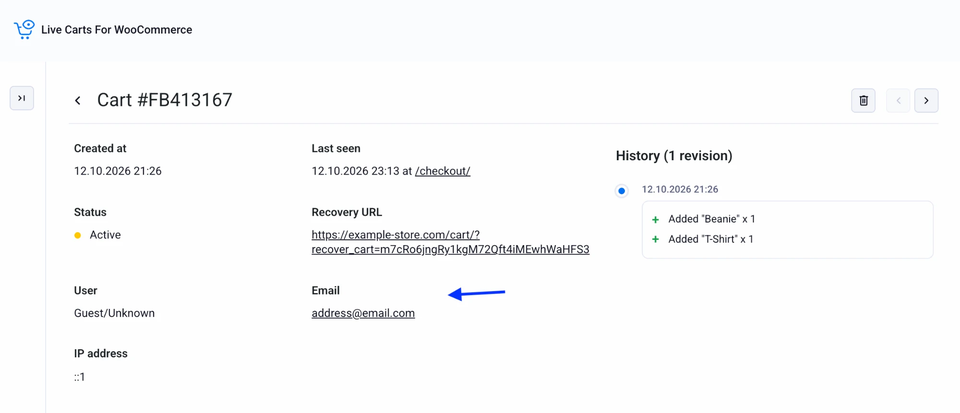
- Guests. When a visitor types their email into the checkout, Live Carts saves it on their cart straight away, before they press Place order. This works with both the classic checkout and the block-based checkout. A guest who leaves at the payment step is still reachable.
When there are two emails
A logged-in customer can type a different email at checkout than the one on their account. Settings → Tracking → Cart email source decides which one the cart uses:
| Option | The cart uses |
|---|---|
| User account email (default) | The email on their WordPress account. |
| Email entered at checkout | Whatever they typed at checkout. |
Guests are never affected: the only email available is the one they typed.
Turning it off
If you'd rather not collect addresses, clear Track cart emails in Settings → Tracking. Then:
- Checkout emails are no longer saved. The script that watches the checkout field is not loaded.
- A logged-in customer's account email is still saved once, when the cart is created.
- Recovery emails won't reach guests, because there is no address to send to.
Privacy
Collecting emails before a purchase may require consent in your region. Check what applies to your store and update your privacy policy accordingly.
Developers can point the tracker at a custom email field: see the phplugins_live_carts_email_field_selector filter.