Create an Order from a Cart Pro
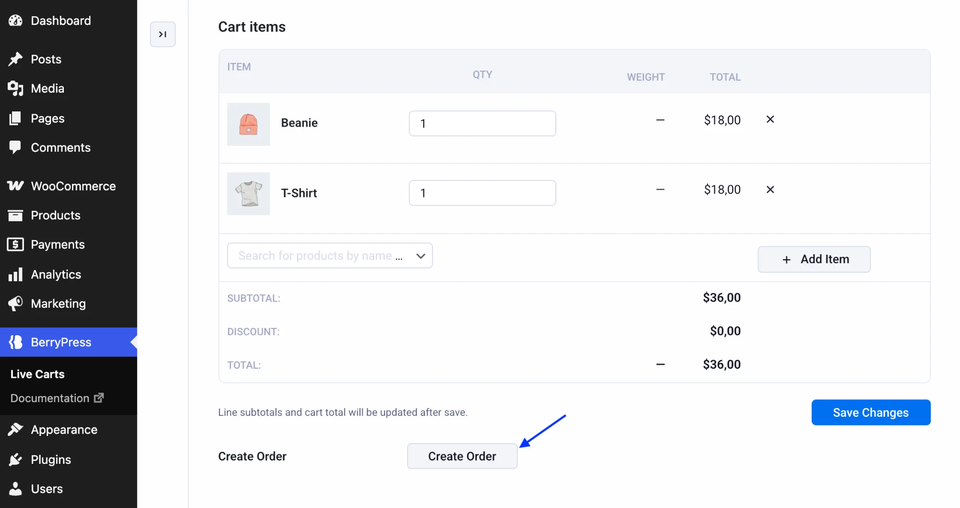
A customer phones you, or chats with support, and wants to buy what is in their cart. Instead of re-entering everything, open their cart and click Create Order. This needs Pro.
How it works
- Open the cart in BerryPress → Live Carts.
- Click Create Order. A new browser tab opens with the result.
- WooCommerce creates a pending order with the cart's products, and the cart's coupon is applied.
- The cart is marked Converted and linked to the order.
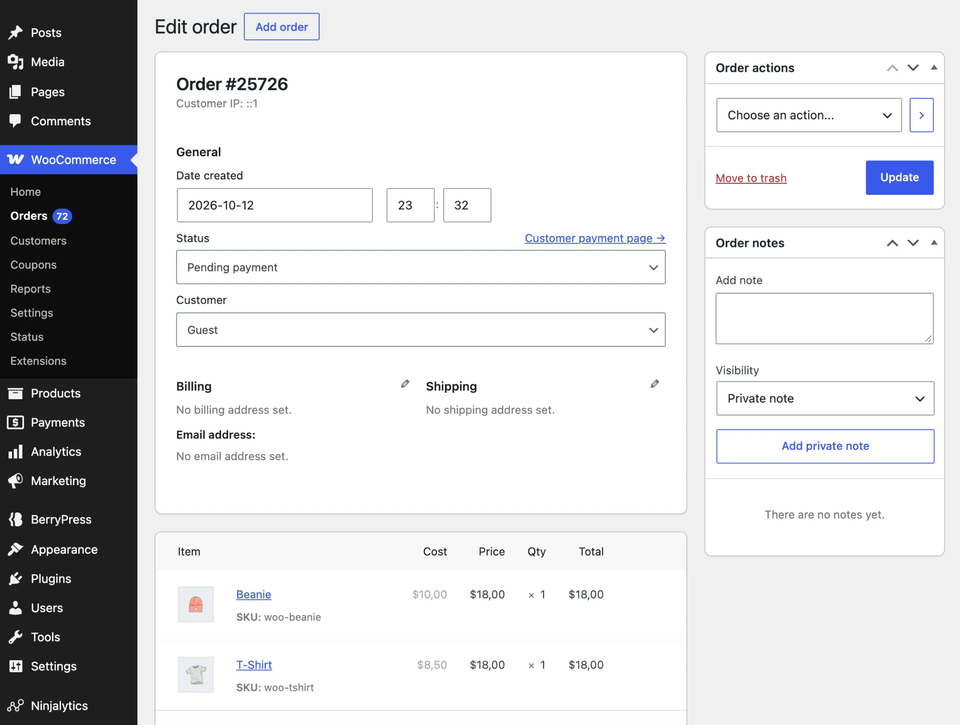
From there, you handle the order like any other: add shipping, take payment, or send the customer a payment link.
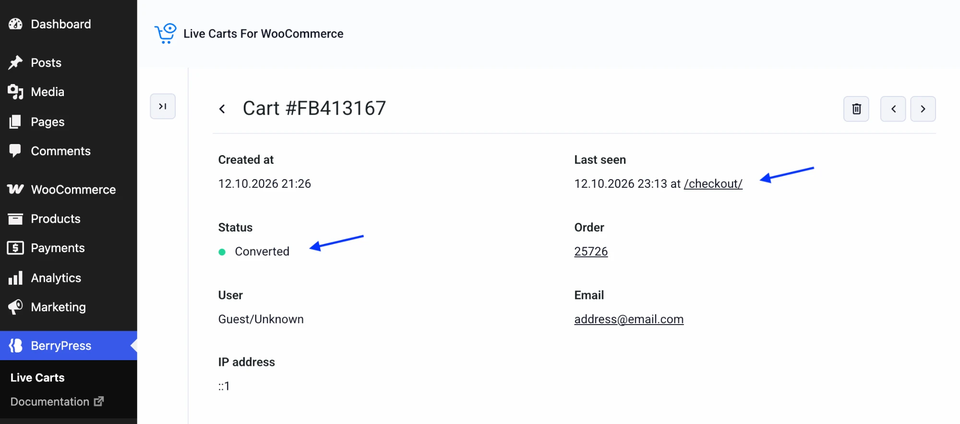
The button is shown for carts that haven't been converted yet.