Email Settings
Settings → Email has one section: who your recovery emails come from.
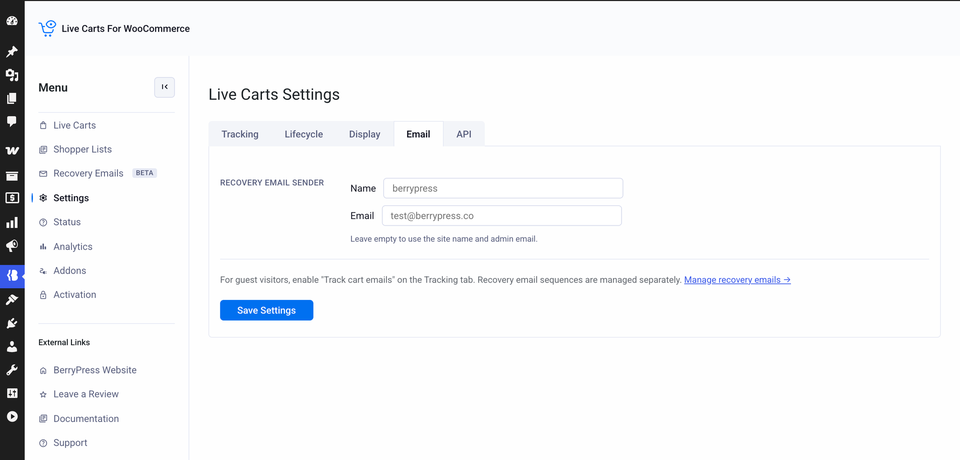
| Field | What to enter |
|---|---|
| Name | The sender name shoppers see, for example Joe from Berry Shop. |
| The address the email comes from. |
Leave both empty to use your WooCommerce sender details (WooCommerce → Settings → Emails).
Help your emails reach the inbox
Use an address on your own domain, and make sure your site sends email reliably, ideally through an SMTP or email delivery plugin. Mail from a mismatched or unauthenticated address is often filtered as spam.