Installing Invisible reCaptcha
The plugin lives on WordPress.org, so you install it like any other plugin. See requirements.
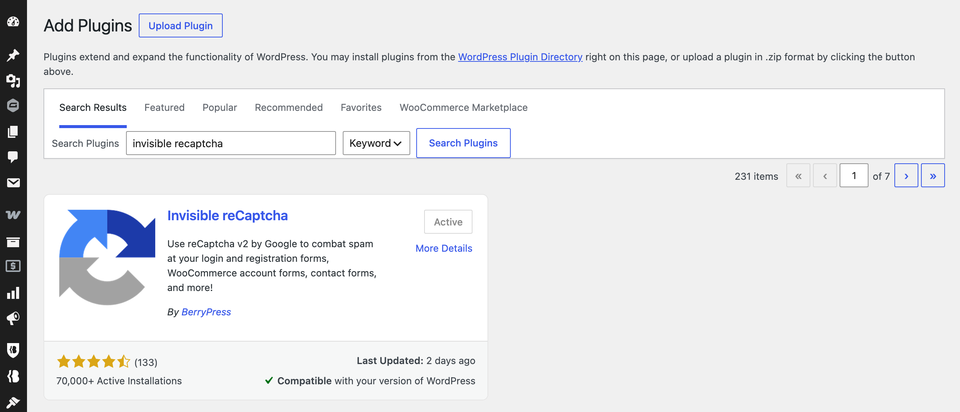
Install from the WordPress admin
- Go to Plugins → Add New Plugin.
- Search for Invisible reCaptcha.
- Click Install Now, then Activate.
Install from a ZIP file instead
- Download the plugin from WordPress.org.
- Go to Plugins → Add New Plugin → Upload Plugin.
- Choose the ZIP, click Install Now, then Activate.
What happens next
Nothing is protected yet. The plugin does nothing until you add your Google keys and switch on at least one form. Settings are under BerrySecure → Invisible reCaptcha.
Next: Get your Google keys.