How It Works
What happens on a protected form
- The plugin adds a small empty placeholder inside each protected form and loads Google's reCAPTCHA script. The script loads on your site's pages and on the login page, not in the WordPress admin.
- The visitor fills in the form and submits it.
- The plugin pauses the submit and asks Google to check the visitor. Google decides in the background.
- Google returns a token. The plugin submits the form with the token attached.
- Your site sends the token and the visitor's IP address to Google's verification service. If Google confirms the token, the form is processed as usual. If not, it is rejected.
The form is then submitted as a normal browser request.
The badge
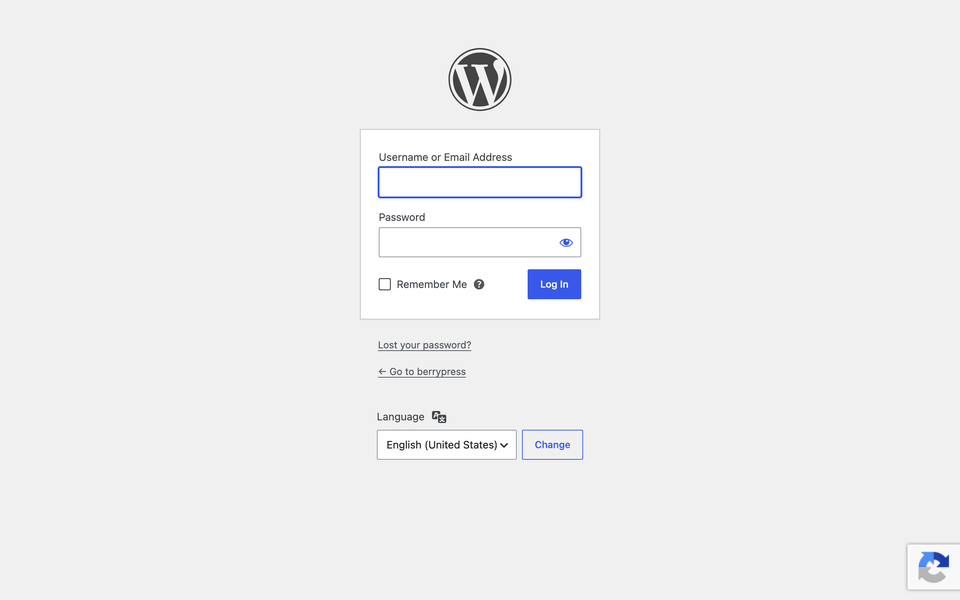
Protected pages show a small reCAPTCHA badge. You can place it bottom right, bottom left or inline. See Badge position.
When the check fails
Google can show a visual challenge in some cases, for example when it is unsure about a visitor. If the visitor fails or the token is missing, the form is rejected. What the visitor sees depends on the form:
| Form | What happens |
|---|---|
| WordPress login | Error: Invalid username or incorrect password! |
| WordPress registration | Error: Registration Error! |
| WordPress comments | Redirected back to the post. The comment is not saved. |
| WordPress forgot password | Redirected to the login page. |
| WooCommerce login, registration | Error: Your entry appears to be spam! |
| WooCommerce product review | Redirected back to the product. The review is not saved. |
| WooCommerce reset password | Redirected to the home page. |
| BuddyPress registration | Error: Google reCaptcha was not validated! |
| Ultra Community login, registration | Error: We've encountered an error while trying to validate reCaptcha! |
| Contact Form 7, Gravity Forms | Treated as spam by the form plugin. |
A failed check on the WordPress login looks like a wrong password. The visitor is not told that reCAPTCHA was the reason.
What Google receives
The plugin uses Google's reCAPTCHA service. Google can receive information from your visitors' browsers and networks, such as their IP address and user agent. Use of the service is subject to Google's terms and privacy policy. See the FAQ.