Reordering the Social Networks
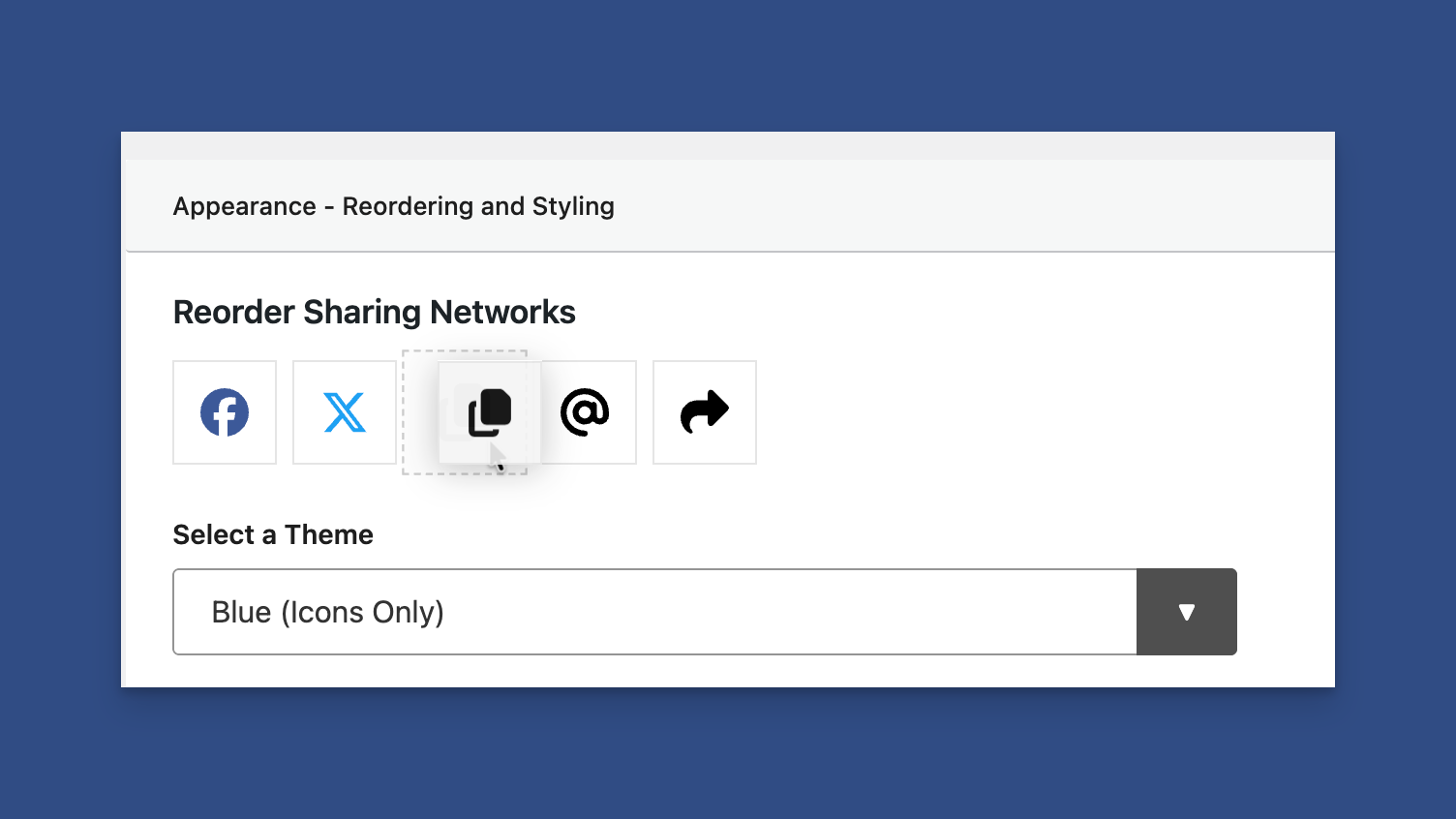
Reordering the Networks under the Appearance Panel
You can find the Reorder section in the Appearance panel in the Content Sharing tab.
Simply drag and drop to reorder the networks.
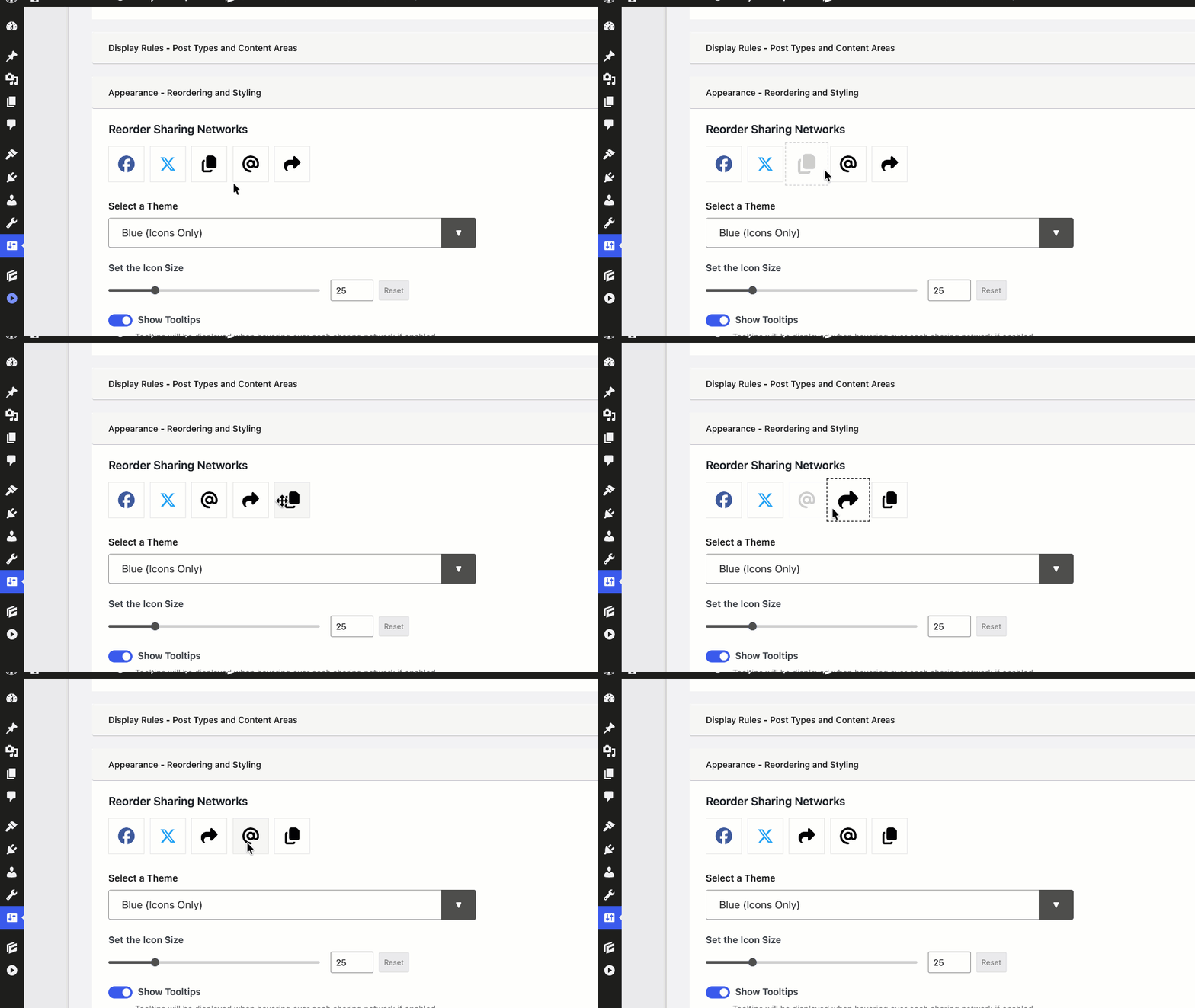
Reorder Networks by Dragging and Dropping
Be sure to save your changes when reordering is complete.
You can view a preview in the Preview panel.