
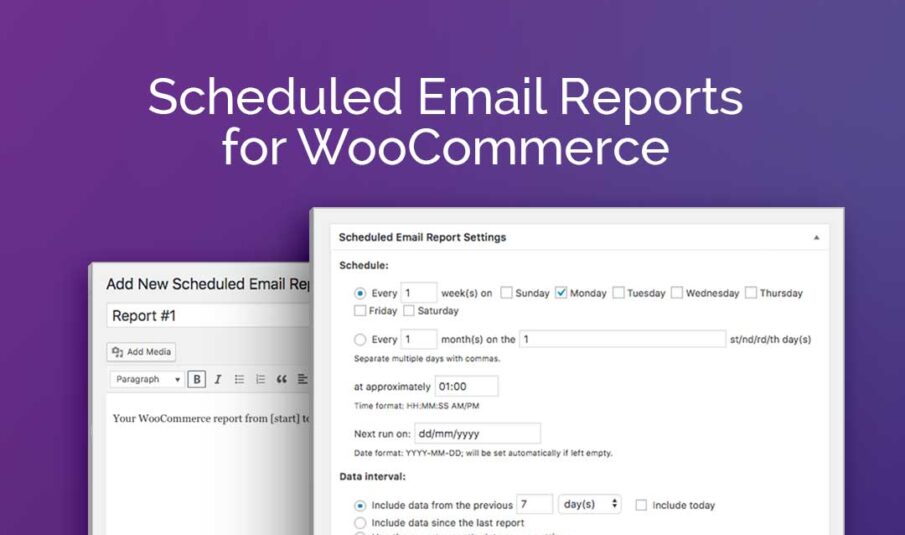
Scheduled Email Reports for WooCommerce
CHOOSE A PLAN
Single Site
- Access to all premium features
- Use on 1 website
- 1 year of updates
- 1 year customer support
- Priority support
- Cancel subscription anytime
Unlimited Sites
- Access to all premium features
- Use on unlimited websites
- 1 year of updates
- 1 year customer support
- Priority support
- Cancel subscription anytime
Scheduled Email Reports for WooCommerce Add-On Plugin
Making business operations easy and carefree, the Scheduled Email Reports for WooCommerce Add-On helps WooCommerce store managers automate the reporting process by letting users automatically send reports as an email attachment on a recurring schedule.
Key Features
Automated Email Delivery
Automatically send reports as email attachments on a recurring schedule.
Flexible Scheduling
Set custom recurring schedules - daily, weekly, monthly, or custom intervals.
Preset Integration
Use saved presets from compatible reporting plugins for consistent automated reports.
Multiple Recipients
Send reports to multiple email addresses automatically on schedule.
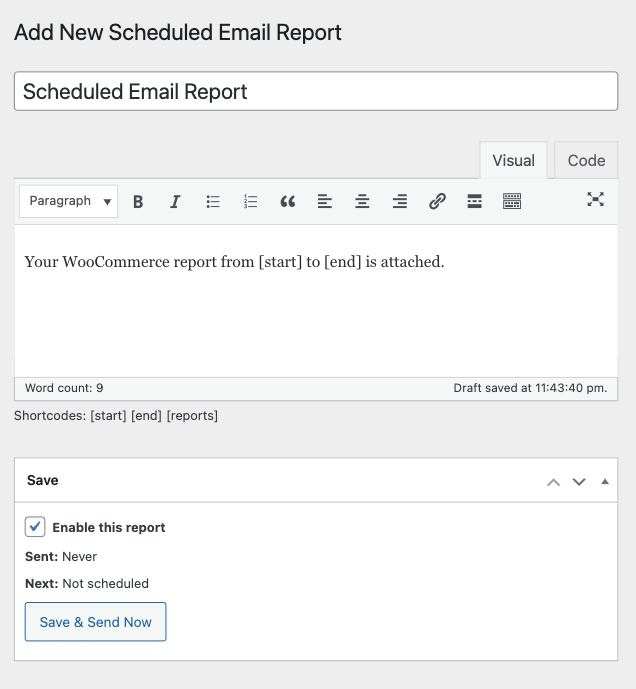
Automate Your Reporting Workflow
Making business operations easy and carefree, the Scheduled Email Reports for WooCommerce Add-On helps WooCommerce store managers automate the reporting process by letting users automatically send reports as an email attachment on a recurring schedule.
Set up once and forget - your reports will be generated and delivered automatically according to your schedule.
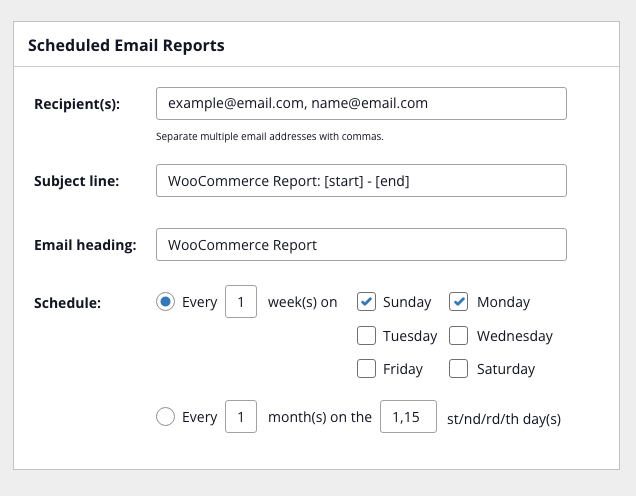
Flexible Scheduling Options
Choose from preset intervals like daily, weekly, or monthly reports. Or create custom schedules that match your business needs perfectly.
Each scheduled report can have its own unique schedule, recipients, and report settings.
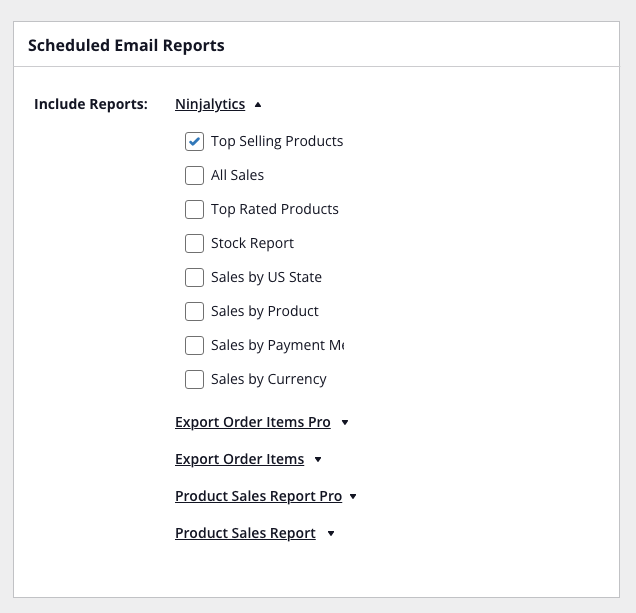
Works With Your Existing Presets
Integrate seamlessly with presets you've already created in compatible reporting plugins. Select any saved preset and schedule it for automatic delivery.
No need to recreate your report configurations - just pick a preset and set the schedule.
Works With Compatible Reporting Plugins
Scheduled Email Reports integrates seamlessly with these WooCommerce reporting plugins:



Only logged in customers who have purchased this product may leave a review.
Log inFrequently Asked Questions
Which reporting plugins work with Scheduled Email Reports?
Can I send reports to multiple email addresses?
What scheduling options are available?
Do I need to recreate my reports to schedule them?
What format are the emailed reports?
Can I test a scheduled report before it goes live?
Can I pause a scheduled report without deleting it?
Can I schedule the same report to different recipients with different schedules?
Resources & Support
Tags
WooCommerce addon, scheduled reports, email automation, recurring reports, automated reporting, report scheduling, email delivery, preset automation
Reviews
There are no reviews yet.